CTRComposer
A raw .3gx overlay engine for the Nintendo 3DS — and a buildable
blank template for making a cheat/overlay plugin for any game.
devkitARM + libctru
Luma3DS PLGLDR
3gxtool 1.3
any Title ID
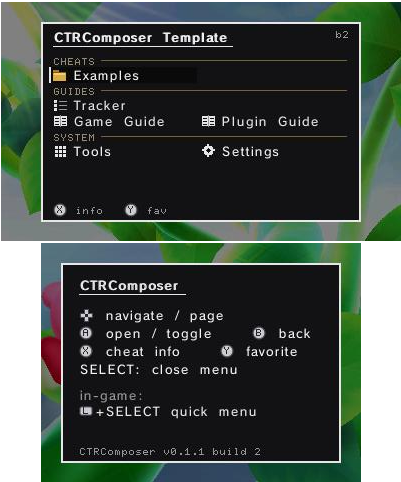
A raw .3gx overlay engine for the Nintendo 3DS — and a buildable
blank template for making a cheat/overlay plugin for any game.
A C plugin that draws its own UI straight to the framebuffer.
It runs inside the game's process, so writing memory is just a pointer, and it renders everything itself — window, system font, menus, tools. That makes a plugin self-contained and portable across games and across Luma3DS versions: there are no hook-wrapper addresses or per-game assumptions to line up.
About 90% of the code is game-independent. A new plugin is essentially a cheat table + art + Title ID. This repository is the blank half: the whole engine, with the game removed.
It ships with zero game art and zero game addresses. The example cheats
are inert — they write nothing until you set EXAMPLE_ENABLED to 1 and fill in
real addresses. The button glyphs are original, generated from primitives by a script in
the repo.
Same engine, from the same source tree. The difference is who is holding it.
Build a plugin for one game.
You edit C, and in exchange you get the whole engine free: folder menus, live themes, on-screen keypad, inline button glyphs, SD persistence, localization, a favourites quick menu, a guide reader, a progress tracker, and the four memory tools.
What you add is the part no engine can give you — your game's addresses. Everything else is already written.
And it is fenced off: everything you edit is eight files in
Sources/plugin/. The engine lives in Sources/engine/ and you
never open it.
Pick this if you want a cheat menu for a specific game, you're reviving
an old .plg that no longer loads, or you want an overlay UI for a homebrew
idea of your own.
Installs to luma/plugins/<TitleID>/
Memory tools in every game. No code.
Drop one file on the SD card and every title on the system gains Cheat Search, a RAM Dumper and a Hex Editor on SELECT. Nothing to compile, nothing to configure, no Title ID to look up.
It carries no cheats — that is a fact about reality, not a missing feature. A cheat is a memory address, and an address belongs to one game and one region. The tooling is what's genuinely universal, so the tooling is what it carries.
Pick this if you want to poke at any game without writing code, you're hunting addresses before deciding to build a plugin, or you just want a permanent hex editor on the console.
Installs to luma/plugins/default.3gx — the root, not a game folder.
They compose, and a per-game plugin always wins. Luma only falls back to
default.3gx for titles with no folder of their own, so your own plugin runs
where you built one and the toolkit covers everything else. The natural workflow is exactly
that order: hunt addresses anywhere with the toolkit, then build the real plugin from the
template once you have them.
Real captures of this template. The game behind the window is just whatever title it was loaded into — none of its data is used.
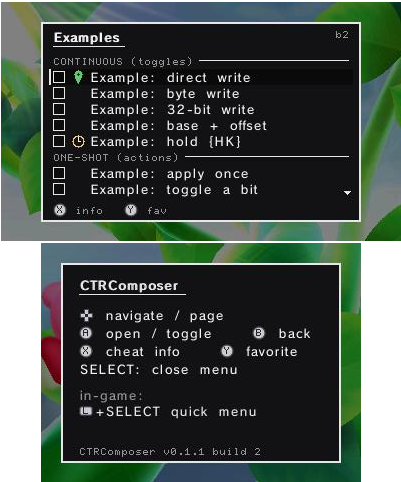
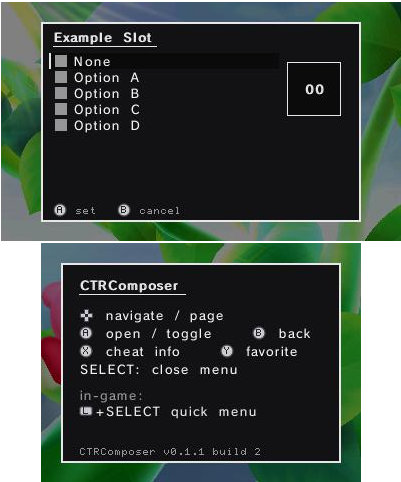
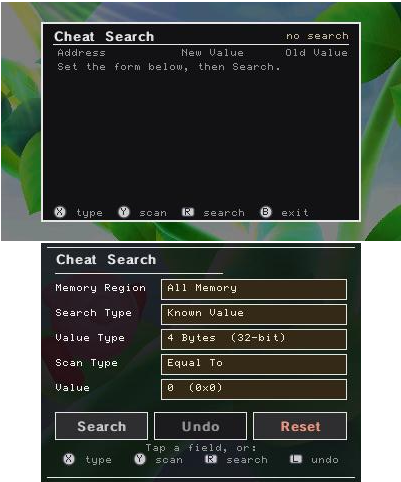
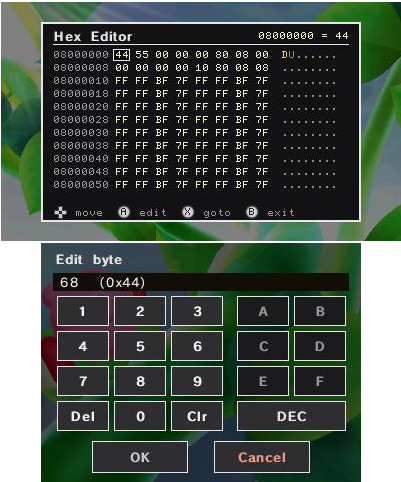
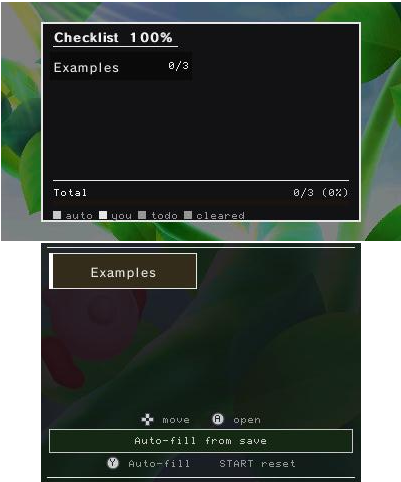
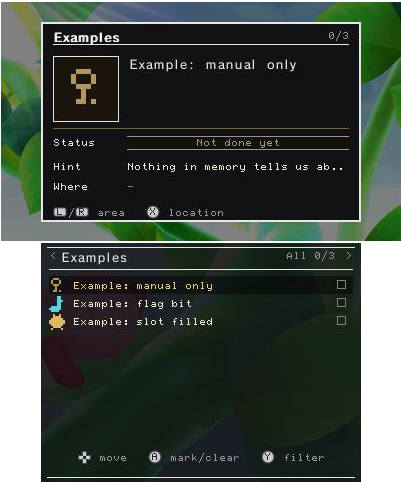
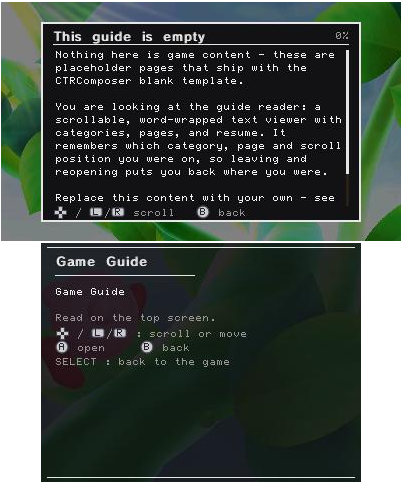
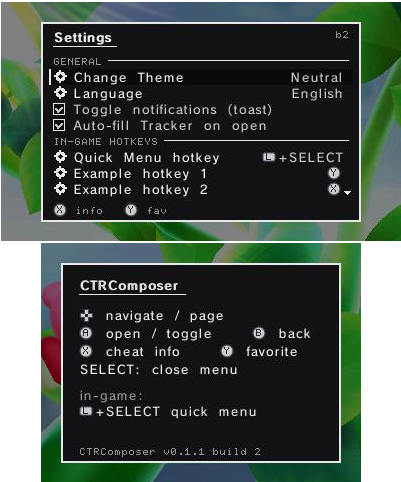
.3gx.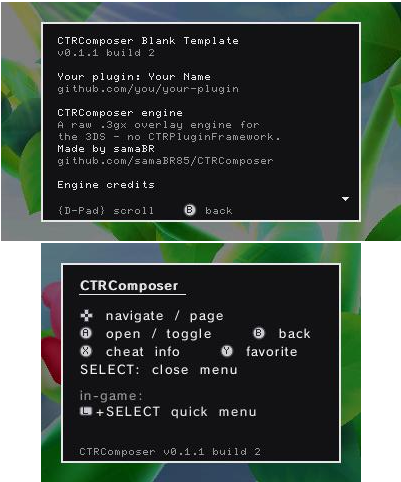
All optional, all yours to configure or delete.
{A} in any string and the real console icon renders, in both font sizes, and it survives translation.T("English") with graceful fallback; partial translations just show English.Sources/plugin/; the engine sits in Sources/engine/ and you never open it.One .3gx per plugin folder, named for your game's Title ID.
sd:/luma/plugins/<TitleID>/CTRComposer-BlankTemplate.3gxEnable the plugin loader in Rosalina (L + ↓ + Select → Plugin Loader), launch the game, then press SELECT. Keep the 3D slider at zero: the overlay renders to one framebuffer pair, so stereoscopic 3D will ghost it.
devkitARM + 3gxtool. Build from a path with no spaces — the toolchain breaks on them.
git clone https://github.com/samaBR85/CTRComposer.git
cd CTRComposer
make